VPN Admin Panel
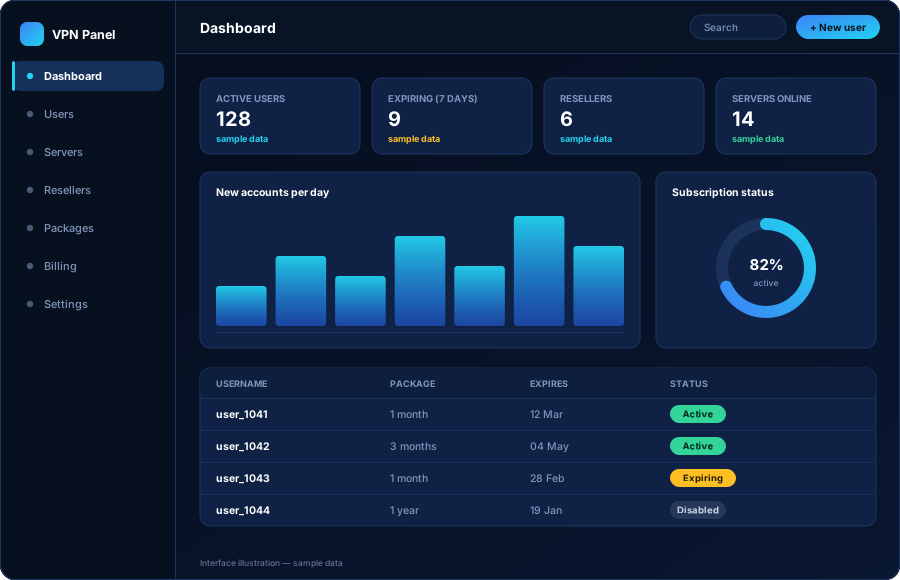
One dashboard for accounts, packages, expiry dates, servers and resellers. Create a customer in seconds and see the whole business at a glance.
Learn moreLaunch and manage a branded VPN business with your own admin panel, your own applications, your own servers, your own users and your own reseller system — all controlled from one dashboard.
Built for entrepreneurs, VPN startups, resellers, hosting companies and telecom businesses that want their own branded service rather than someone else’s.
A VPN service is more than an app. It is accounts, subscriptions, servers, partners and payments that all have to agree with each other. These six parts are what make that work — and they are built to work together.
One dashboard for accounts, packages, expiry dates, servers and resellers. Create a customer in seconds and see the whole business at a glance.
Learn moreApplications that carry your name, your logo and your colours on every platform. Your customers see your brand and nothing else.
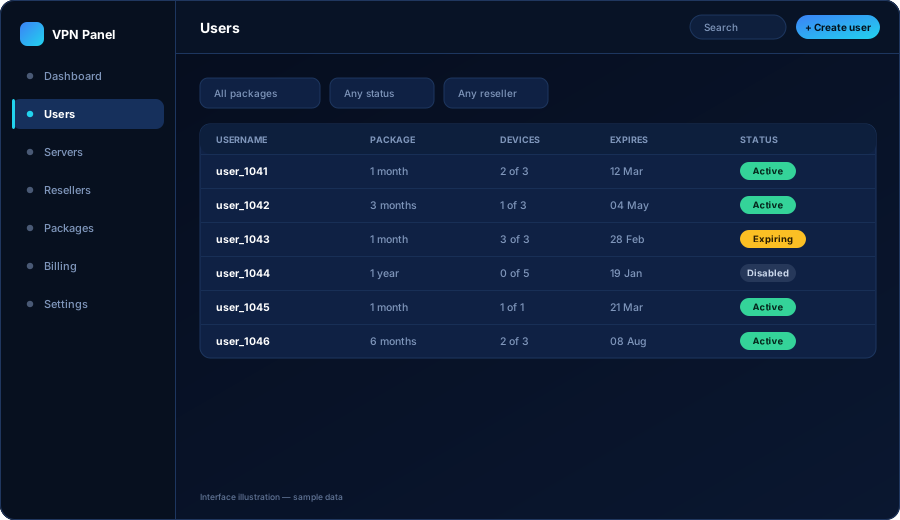
Learn moreCreate, renew, suspend and expire accounts. Set device limits, choose which servers a package can reach, and keep a clear record per customer.
Learn moreAdd your VPN servers, organise them by country and city, mark them online or under maintenance, and control which ones appear in each app.
Learn moreGive partners their own login and credit balance so they can sell for you. You keep the limits, the pricing rules and the overall view.
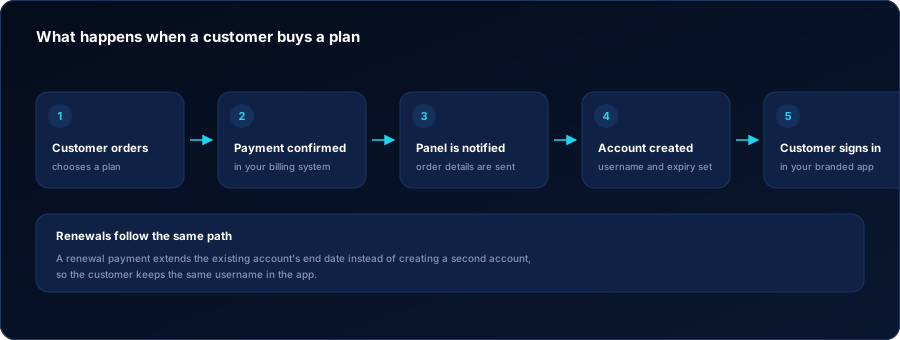
Learn moreConnect your website and billing system so a paid order can create the VPN account automatically and renewals extend the same account.
Learn moreNo jargon. Here is the whole system in six plain steps — this is genuinely how a branded VPN business runs day to day.
Your admin panel is set up and your applications are built with your name, logo and colours. At the end of this step you have a working platform that belongs to your company.
Each server you rent is registered in the panel with its country, city and connection details. The panel becomes the single list of every location your service offers.
A customer account is a username, a package and an end date. A reseller account is a partner login with a credit balance. Both are created from the same dashboard in a few clicks.
Your customer downloads your app, signs in with the username you or your billing system created, and sees your brand throughout.
The app asks your panel which servers this account is allowed to use and how long the subscription has left, then shows exactly that. Change something in the panel and the apps follow.
Renew and suspend accounts, add or retire servers, top up resellers and watch what is expiring this week — without touching a server console.
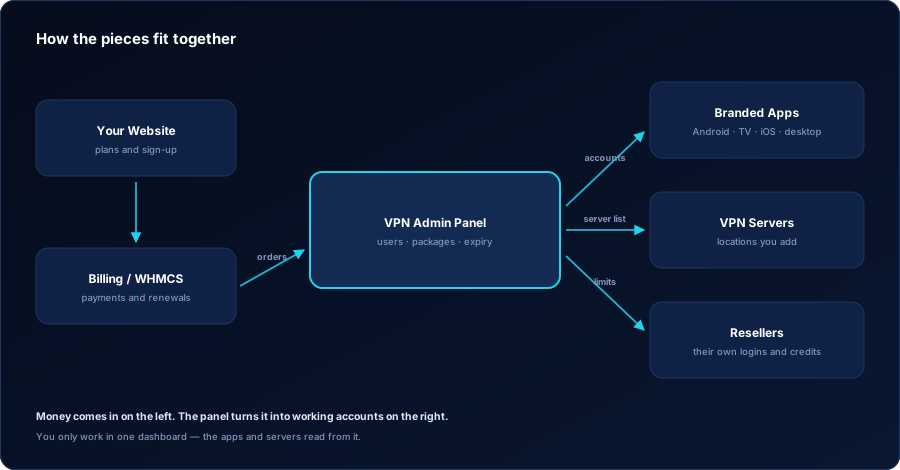
The admin panel is where you spend your time. It replaces spreadsheets, chat messages and manual server work with one screen that always tells you the truth about your accounts.
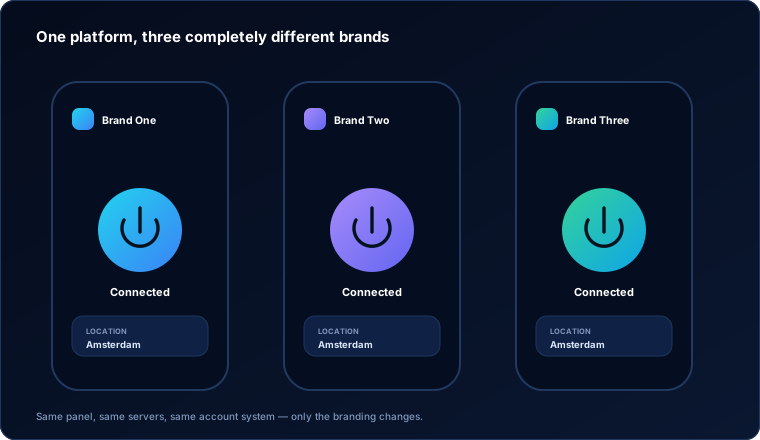
White label means the product is built for you to sell as your own. Your customers download an app with your name on it, sign in to your service and see your colours. There is no third-party branding anywhere in the customer experience.
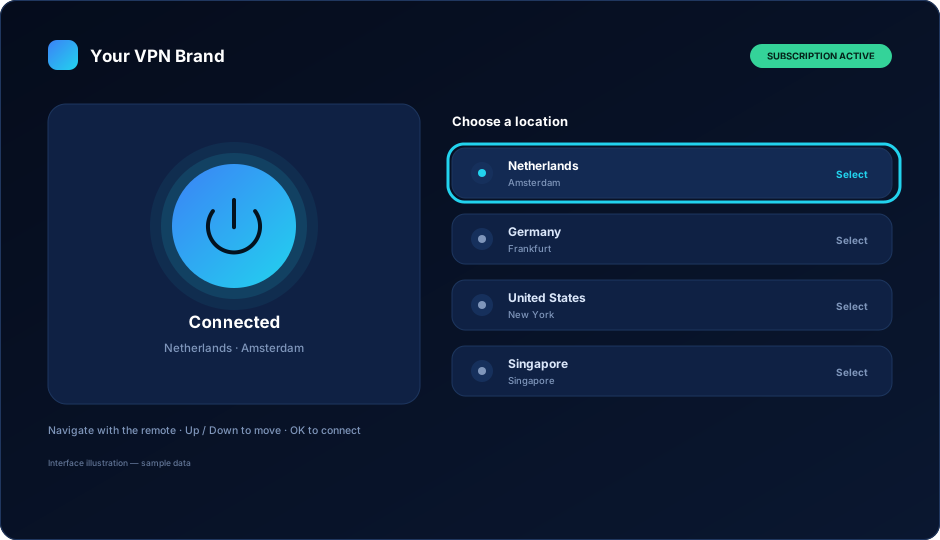
Android is where most VPN customers start, and living-room devices are where a lot of them stay. A phone app and a TV app are not the same product: a TV app is driven by a remote control, so the layout, the focus highlight and the number of steps to connect all have to change.
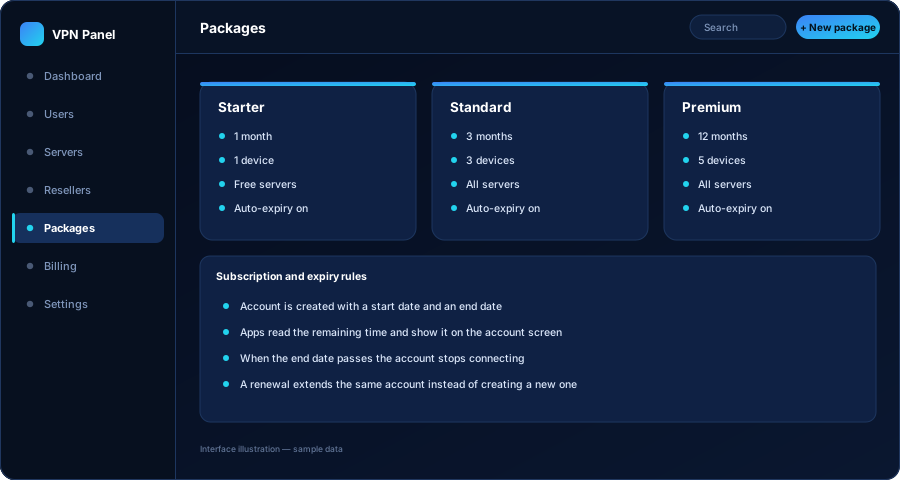
Every VPN business lives or dies on subscription control. An account has a start date, an end date and a package. When the end date passes, the account stops working — you do not have to remember, and the customer cannot keep using a plan they have not paid for.
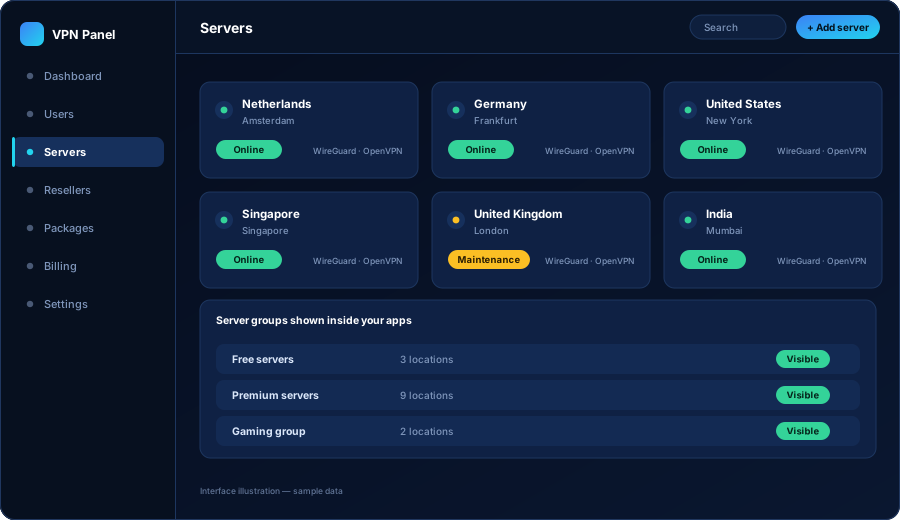
Your server list is a business decision, not a technical one. Add the location, decide which packages may use it, and your applications pick it up. Take a server down for maintenance and it disappears from the app until you bring it back.
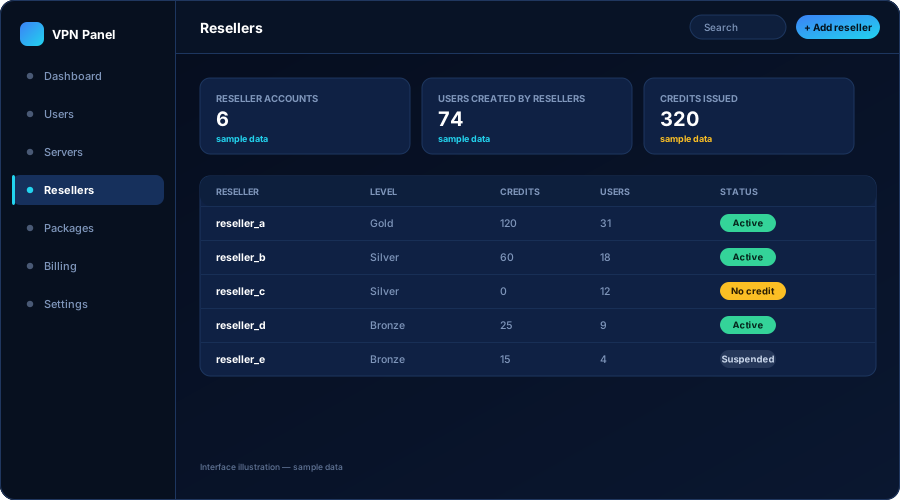
Most VPN businesses grow faster through resellers than through direct sales. A reseller gets their own login and a credit balance. Every account they create spends credit, so you are paid before the account exists.
If you already use WHMCS — or a similar billing system — the sale and the VPN account can be joined together, so nobody has to create accounts by hand at two in the morning.
Most people who contact us do not want to buy pieces and assemble them. They want a service they can start selling. The complete VPN business setup puts every part in place at once and hands you a running platform.
We would rather tell you what is actually true about working with us than publish numbers we cannot show you.
Panel, apps, server integration and billing come from the same team, so there is nobody to blame in the middle when two parts disagree.
Your brand, your domain, your hosting accounts, your customer relationships and your store listings. We build it; you own it.
Businesses change their packages, their pricing and their markets. The platform is built so those changes are configuration or a scoped update, not a rebuild.
The panel and the documentation are written so a business owner can run the service without a systems background.
Existing servers, an existing website, an existing billing system or an existing customer base can usually be brought in rather than replaced.
The first weeks are when questions appear. We stay involved through handover and launch rather than disappearing at delivery.
The questions almost every prospective VPN business owner asks in the first call.
No. Day-to-day work happens in a dashboard: you create a customer, choose a package, and the account is ready. Adding servers is a form you fill in once per server. The technical setup is done during delivery, not by you every day.
Yours. The app name, icon, colours, texts and store listing belong to your company. Nothing in the customer-facing apps points back to us.
The panel manages servers, it does not replace them. You can bring servers you already rent, or we can help you plan and configure new ones. Either way you keep the hosting accounts in your own name.
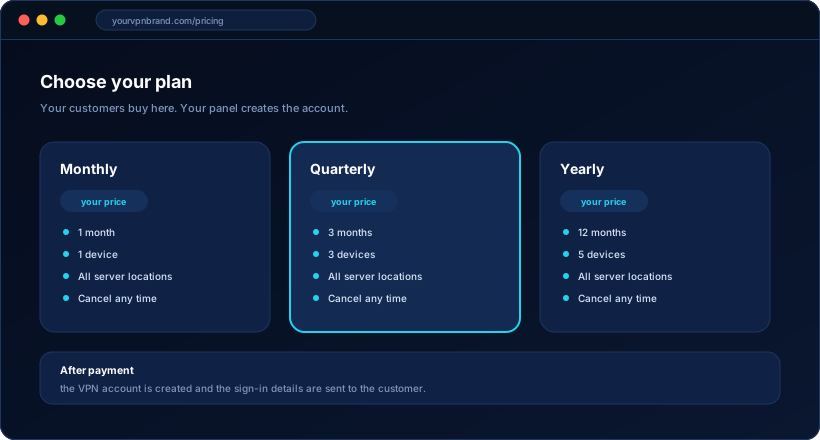
Through your own website and payment provider. If you use WHMCS or a similar billing system, a paid order can create the VPN account automatically and renewals can extend the same account. You can also create accounts by hand in the panel.
Yes. Resellers get their own login with a credit balance and limits you set. They create and renew their own customers without seeing your other resellers or touching your settings.
A brand name and logo, a domain, a hosting account for your website and panel, and a decision on which platforms you want to launch with. We will tell you exactly what is needed for each item before the build starts.
See the panel and the apps in the demo, then tell us which platforms and integrations you need. We reply with scope, timeline and a written quote.